How to Use Parsinto for Invoice Data Extraction
Learn how to create an invoice Box, upload invoice PDFs, build an extraction template, review extracted invoice data, and export the results to CSV, Excel, JSON, or PDF.
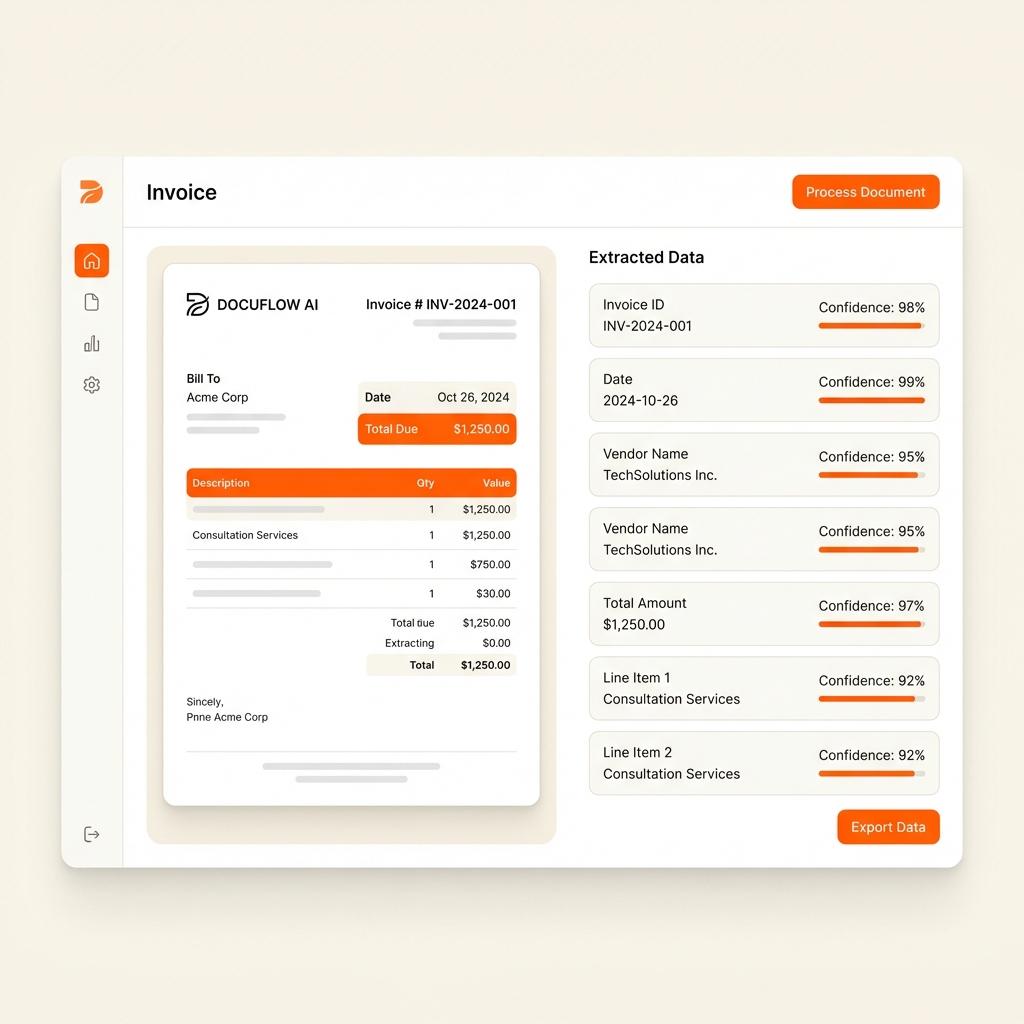
From PDF to Structured Data in Under a Second
Watch Parsinto automatically turn a messy invoice PDF into clean JSON or CSV with no manual setup.
Product Demo
See how Parsinto transforms your documents
The invoice extraction workflow
Parsinto works best when you treat invoice extraction as a repeatable dashboard workflow: group files, define fields, process documents, review outputs, then export.
Build an invoice template once, then reuse it
Start with the fields your accounting workflow needs. Parsinto can suggest fields from a sample invoice, and you can rename or adjust them before processing the rest of the Box.
| Field | Type | Required |
|---|---|---|
| invoice_number | Text | Yes |
| vendor_name | Text | Yes |
| invoice_date | Date | Yes |
| due_date | Date | No |
| tax_amount | Currency | No |
| total_amount | Currency | Yes |
| line_items | Table | No |
Review invoice fields and line items before export
Invoice data often affects payments and bookkeeping, so the review step matters. Parsinto keeps extracted fields and table rows visible before you download the final file.
| Description | Qty | Unit | Total |
|---|---|---|---|
| Office supplies | 12 | $45.00 | $540.00 |
| Printer paper | 20 | $18.00 | $360.00 |
| Delivery | 1 | $84.00 | $84.00 |
Export invoice data into the format your team needs
Once the invoice is reviewed, export it for spreadsheets, accounting imports, internal tools, or automation workflows.
Tips for better invoice extraction
A strong setup makes every future extraction easier. Keep your Boxes organized and your template fields consistent.
Explore invoice OCR softwareUse separate Boxes for very different invoice layouts.
Start with a clear sample invoice that represents the batch.
Use table columns for line item data instead of plain text fields.
Review totals, taxes, vendor names, and due dates before export.
Keep field names consistent across Boxes for easier reporting.
Invoice data extraction FAQ
Should I create one Box for all invoices?
Create one Box for similar invoice types. If vendors use very different layouts, separate Boxes can make templates easier to review and reuse.
What fields should an invoice template include?
Start with invoice number, vendor name, invoice date, due date, subtotal, tax amount, total amount, currency, payment terms, and line items.
Can Parsinto process scanned invoices?
Yes. Parsinto can process both digital invoice PDFs and scanned invoice images. Clear scans usually produce better extraction results.
Do I need to review extracted invoice data?
Yes. Invoice data often affects payments and accounting, so it is smart to review extracted totals, dates, vendor details, and line items before export.
Create your first invoice extraction Box
Upload a sample invoice, confirm the template, process your files, and export clean structured data.
Open Parsinto dashboardSimple, transparent pricing plans.
Mini
For small teams.
- 1 credit = 1 page
- 100 credits / mo
- 90 days Document Retention
- Priority email support
Advanced
For advanced users.
- 1 credit = 1 page
- 600 credits / mo
- 90 days Document Retention
- Priority email support
Pro
For growing teams.
- 1 credit = 1 page
- 10,000 credits / mo
- invite your team
- Extended Document Retention
- Priority email support
- Can buy more credits
Enterprise
For large organizations.
- Unlimited documents
- Unlimited storage
- Dedicated account manager
- Custom SLAs
See your Return on Investment
Manual data entry costs roughly ~$2.50 per invoice in labor. At 500 invoices/month, Parsinto saves you ~$1,150 every month compared to manual entry.
What is a page?
1 PDF containing 50 pages counts as 50 units. We only charge for successfully processed pages.